
Appointment Management Pro
Appointment Management Pro

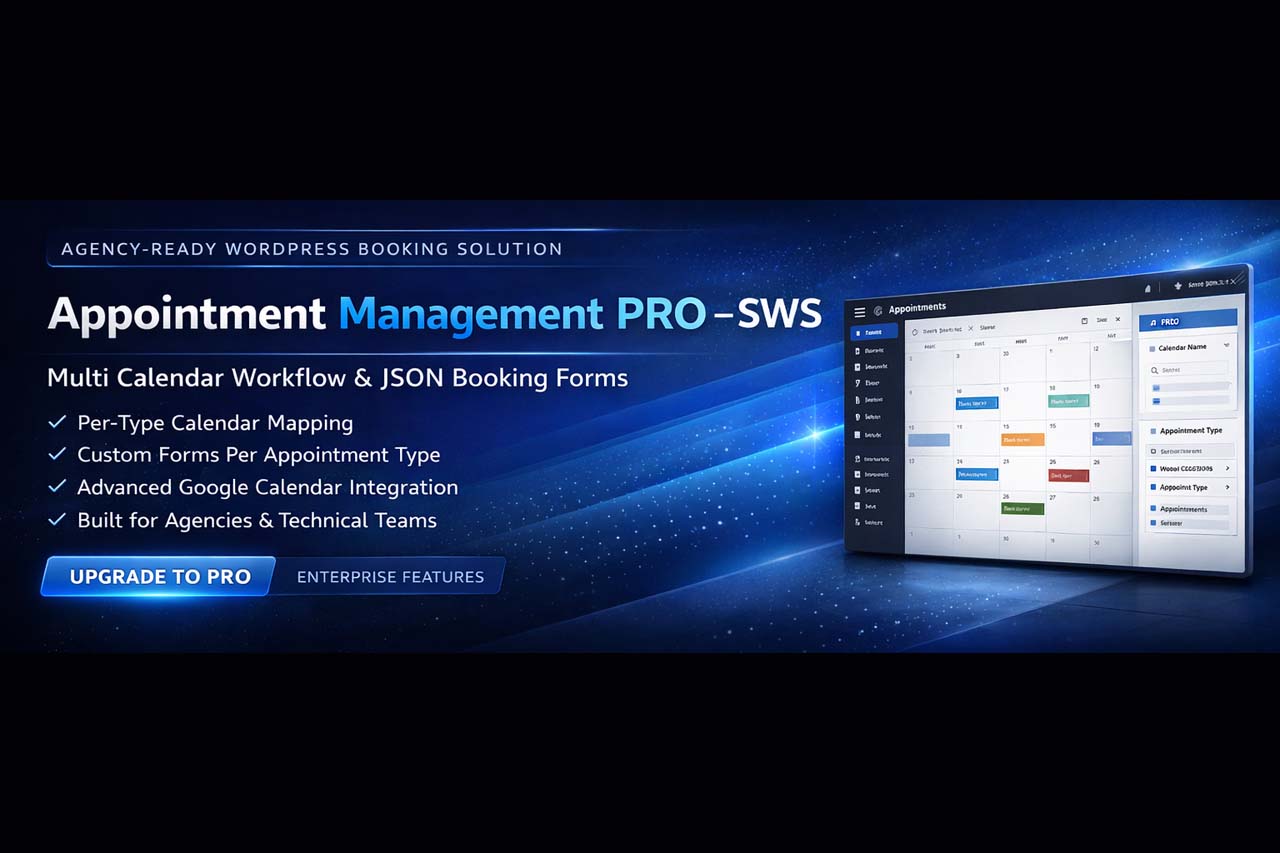
Officially Available on WordPress.org
Appointment Management – SWS is now available on the official WordPress Plugin Repository. Install it directly from your WordPress dashboard or explore the PRO version for advanced features.
Upgrade to Appointment Management PRO
Move beyond basic booking and unlock a more advanced scheduling system with staff workflows, custom intake forms, premium notifications and smarter Google Calendar routing.
Assign appointments to the right people
PRO adds a dedicated staff layer so you can route bookings more intelligently, manage responsibilities and build a cleaner operational workflow for teams.
- Assign services to specific staff members
- Use staff email logic inside notifications
- Support more structured team-based scheduling
Collect the right information before the appointment
Build richer booking forms and collect more useful business data without relying on a basic one-size-fits-all workflow.
- Add structured booking fields for real workflows
- Support better intake and service-specific data collection
- Give agencies and professionals more control over forms
Route bookings to the right calendar automatically
PRO gives you more advanced Google Calendar logic, including the ability to map different appointment types to different calendars.
- Per-type Google Calendar mapping
- Cleaner scheduling structure for multiple services
- Better routing for agencies and professional teams
Communicate better before and after the booking
PRO adds more advanced communication tools, from richer email notifications to reminder emails, WhatsApp integration and Google Meet information inside notifications.
- Advanced email notifications
- Reminder emails to reduce no-shows
- WhatsApp integration for faster contact
- Google Meet in notifications
Free vs PRO
| Feature | Free (WordPress.org) | PRO |
|---|---|---|
| Core booking system | Included | Included + advanced workflow tools |
| Google Calendar integration | Basic integration | Advanced routing + per-type mapping |
| Staff Management | Not included | Included |
| Custom Fields Builder | Not included | Included |
| Advanced email notifications | Standard notifications | Included |
| Reminder emails | Not included | Included |
| WhatsApp integration | Not included | Included |
| Google Meet in notifications | Not included | Included |
| Type + Calendar filters | Not included | Included |
| Silent bulk cleanup | Not included | Included |
| Overbooking protection | Not included | Included |
| Frontend/admin booking management | Standard | Advanced workflow management |
Why users upgrade to PRO
Built for agencies & technical teams
If you manage multiple client sites, PRO helps you standardize booking workflows, reduce manual work and deliver a more advanced scheduling stack with premium business features.
How to upgrade
- Purchase PRO from swsplugins.com.
- Install and activate the PRO plugin in WordPress.
- Enter your license key if required by your plan.
- Review your settings and run a quick booking test.
If you need help, contact support and we’ll assist you during the transition.
FAQ
A premium appointment system built for real business workflows
Appointment Management PRO – SWS combines advanced scheduling tools, staff workflows, Google Calendar routing, premium communication, flexible frontend display, and practical admin controls in one professional WordPress solution.
Route bookings through your team
Manage staff-based workflows with a more advanced scheduling structure built for clinics, agencies and service businesses.
- Dedicated Staff Management system
- Assign staff to appointment types
- Staff email logic for notifications
- Improved team-based scheduling workflow
Professional communication workflow
Keep both staff and clients informed with premium communication tools designed for real appointment operations.
- Advanced email notifications
- Reminder emails
- WhatsApp integration
- Google Meet in notifications
- Admin and client communication workflow
Built for advanced availability logic
Configure the booking logic your business actually needs, with stronger workflow protection and more advanced controls.
- Multi-location support
- Multi-label support
- Unlimited appointment types
- Slot duration and capacity settings
- Blocked dates management
- Overbooking protection
Sync and route appointments intelligently
Go beyond basic sync with more advanced Google Calendar logic for cleaner service routing and better organization.
- WordPress to Google Calendar sync
- Per-type Google Calendar mapping
- Better routing for multiple services
- Ideal for clinics, consultants and team workflows
Collect the right information
Extend the booking form with a more advanced custom fields system designed for better intake and richer workflows.
- Custom Fields Builder
- Text, textarea, email, phone number
- Date, select, radio, checkbox
- Service-specific intake collection
Control, filter, cleanup and scale
Advanced admin tools help you manage appointments efficiently, filter data faster and maintain cleaner scheduling workflows.
- Silent Bulk Cleanup
- Type + Calendar filters
- Shortcode Generator
- Advanced frontend/admin booking management
- Appointments list and calendar-style view
Built for more than simple booking
Appointment Management PRO – SWS is designed for real operational workflows where bookings need to connect with staff, calendar routing, client communication and day-to-day admin management.
- Staff-based scheduling logic
- Advanced communication tools
- Google Calendar routing per type
- Custom intake workflows
- Type + calendar filtering
- Silent cleanup tools
- Overbooking protection
- Suitable for agencies and professional offices
A strong fit for agencies, clinics, consultants and service businesses
If you need a WordPress appointment system that combines advanced scheduling, staff workflows, smarter routing, premium communication and practical admin tools, the PRO version is designed to deliver exactly that.
Appointment Management PRO – SWS
The professional appointment system with staff workflows, Google Calendar routing and premium business automation — built for agencies and developers.
A complete, secure, white-label solution for web agencies and WordPress professionals who want to deliver high-value, low-maintenance booking systems with stronger workflow control, better communication tools and scalable business logic.
Why your clients need it
Key selling points for resellers
Designed for cleaner handovers, stronger retention and higher-value client packages.
Ideal for your clients
Sell it with confidence
Both Appointment Management PRO and SWS Appointment Manager (FREE) give you a solid foundation for online booking. But if you run a growing practice, manage multiple services, or need more advanced operational control, the PRO version unlocks staff workflows, automation, premium communication and smarter routing.
Why Appointment Management PRO is ahead of the WordPress.org version
The WordPress.org edition is designed as a clean entry point for users who want to explore the core booking workflow. The PRO version goes significantly further, with staff workflows, custom data collection, smarter Google Calendar routing, premium communication tools and stronger admin control for real business use cases.
- Core appointment booking workflow
- Basic Google Calendar integration
- Good starting point for evaluation
- Standard booking structure
- Designed as a stable entry-level version
- Staff Management
- Per-type Google Calendar mapping
- Custom Fields Builder
- Advanced email notifications
- Reminder emails & WhatsApp integration
- Google Meet in notifications
- Type + Calendar filters
- Silent bulk cleanup
- Overbooking protection
- Advanced booking workflow tools
| Feature | Free | PRO |
|---|---|---|
| Core booking flow | ✓ | ✓ |
| Google Calendar integration | Basic | Advanced |
| Staff Management | — | ✓ |
| Reminder emails | — | ✓ |
| WhatsApp integration | — | ✓ |
| Per-type Calendar Mapping | — | ✓ |
| Custom Fields Builder | — | ✓ |
| Google Meet in notifications | — | ✓ |
| Type + Calendar filters | — | ✓ |
| Silent bulk cleanup | — | ✓ |
| Overbooking protection | — | ✓ |
| Advanced workflow improvements | Limited | Extended |
| Product roadmap evolution | Repository baseline | Faster commercial roadmap |
Appointment Management PRO is a complete WordPress booking system with Google Calendar integration built for real-world workflows.
Instead of relying on basic synchronization, the plugin provides advanced mapping between Appointment Types and dedicated calendars, making it a powerful solution for teams that need structured scheduling across departments or locations.
Why agencies upgrade to Appointment Management PRO
Appointment Management PRO is built for teams that manage multiple client websites and need a reliable WordPress booking stack. It combines Google Calendar synchronization with Multi Calendar Mapping per Appointment Type and JSON-based booking forms to standardize workflows across different projects.
Unlike basic tools, this plugin offers deep Google Calendar integration for WordPress, allowing automatic event creation, Google Meet support, and per-type calendar routing. This makes it ideal for agencies managing multiple client websites or businesses with complex scheduling requirements.
Google Calendar Booking Plugin for WordPress
Accept appointments on your website and automatically sync them with Google Calendar. Simple, fast and built for real business workflows.
Using the free plugin and enjoying it?
If SWS Appointment Manager is helping you manage bookings more easily, a quick review on WordPress.org would mean a lot. Your feedback helps the plugin grow, improve, and reach more users.
FAQ — Upgrade from FREE to PRO
Does PRO support Multi Calendar Mapping?
Yes. In PRO you can map a different Google Calendar to each Appointment Type. This is ideal for agencies, multi-location businesses, or teams that need clean separation of bookings.
What does “Multi Form JSON” mean?
PRO supports a JSON-based schema for the appointment contact form, allowing you to define fields and validation per Appointment Type. This helps you collect the right information for each service.
Can I filter appointments by type and calendar?
Yes. PRO includes filters that let you quickly view bookings by Appointment Type and by Calendar Name, improving admin speed on busy sites.
Will I lose my appointments if I upgrade?
In most cases, upgrades are straightforward. Always run a backup before switching and test on a staging environment if possible. If you need assistance, contact support.
Built for more than basic booking
If you’re looking for a multi calendar appointment plugin for WordPress, the PRO version gives you a much more advanced operational workflow. With per-type Google Calendar mapping and advanced filtering tools, each service can connect to a different calendar — helping teams stay organized, reducing confusion, and making appointment management easier to scale.
Appointment Management PRO goes beyond simple booking forms. It combines structured availability, Google synchronization, advanced communication tools and custom data collection to support more scalable, agency-ready deployments.
- Start with the repository version
- Validate the booking flow
- Upgrade when your workflow grows
As a professional WordPress appointment scheduling plugin, Appointment Management PRO is designed for businesses and agencies that need more than a simple booking form. It supports stronger operational workflows with structured availability, smarter routing, custom intake logic and premium communication tools.
Scale Your Booking Infrastructure
Unlock advanced workflow control, Multi Calendar Mapping and structured booking logic. Designed for agencies, technical teams and growing businesses.
Appointment Management PRO
Full feature set with Staff Management, Multi Calendar Mapping, Custom Fields Builder, advanced notifications and workflow automation.
Get Appointment Management PRODocumentation
Technical documentation, setup guides and Google Calendar configuration.
Read Documentation
Free Version
✔ Trusted repository distribution
✔ Perfect starting point before PRO
Cart ( 0)
- Your cart is empty.
Cookie Consent
We use cookies to improve your experience on our site. By using our site, you consent to cookies.
Cookie Preferences
Manage your cookie preferences below:
Essential cookies enable basic functions and are necessary for the proper function of the website.
These cookies are needed for adding comments on this website.
These cookies are used for managing login functionality on this website.